Quick reference
Controls & keybinds
Default Evrima controls written in plain language. Species-specific actions are explained in each creature dossier.
Your live settings are authoritativePatches, server branches, and personal remapping can change a key. If this page disagrees with the Controls menu in game, follow the in-game binding.
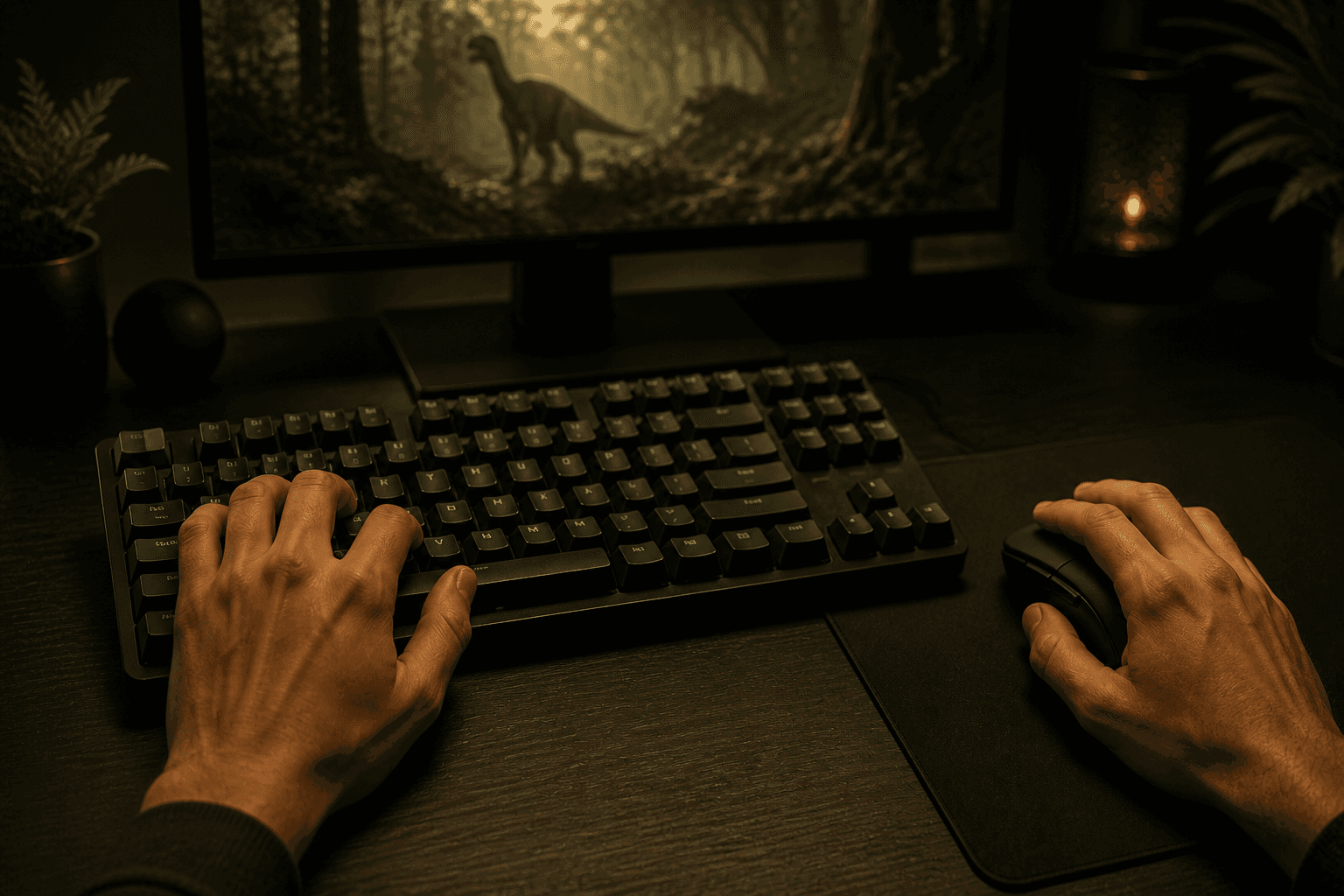
The left hand handles movement and modifiers; the right hand controls the camera, primary attack, and secondary action.
Read this first
What LMB, RMB, Tap, and Hold mean
Guides use these short labels because a creature can have several actions on the same button. This is the exact meaning of each one.
LMBLeft mouse buttonRMBRight mouse buttonTapPress once, then releaseHoldKeep the button pressed until the action completes or the guide tells you to release it
Movement
- W A S D
- Move
- Left Shift
- Sprint
- Space
- Jump / species action
- Left Ctrl
- Crouch / descend where supported
- H
- Rest; hold again to sleep
Survival
- Q
- Scent / species sense
- N
- Night vision
- E
- Interact / eat / drink
- Tab
- Status and character panel
- Insert
- Player list / server information
Communication
- 1
- Broadcast call
- 2
- Friendly call
- 3
- Threat call
- 4
- Help call
- F
- Normal vocalization / contextual call
Combat & abilities
- Left mouse (LMB)
- Primary attack
- Right mouse (RMB)
- Secondary attack or species ability
- Alt + attack
- Directional attack where the species supports it
- Middle mouse
- Contextual species action where supported